Docker
Docker install
Docker Engine overview
Docker Engine is an open source containerization technology for building and containerizing your applications. Docker Engine acts as a client-server application with:
A server with a long-running daemon process dockerd.
APIs which specify interfaces that programs can use to talk to and instruct the Docker daemon.
A command line interface (CLI) client docker.
The CLI uses Docker APIs to control or interact with the Docker daemon through scripting or direct CLI commands. Many other Docker applications use the underlying API and CLI. The daemon creates and manage Docker objects, such as images, containers, networks, and volumes.
Set up the repository
Update the apt package index and install packages to allow apt to use a repository over HTTPS:
1 | |
Add Docker’s official GPG key
1 | |
Use the following command to set up the stable repository. To add the nightly or test repository, add the word nightly or test (or both) after the word stable in the commands below.
1 | |
Install Docker Engine
Update the apt package index, and install the latest version of Docker Engine and containerd, or go to the next step to install a specific version:
1 | |
验证安装,如图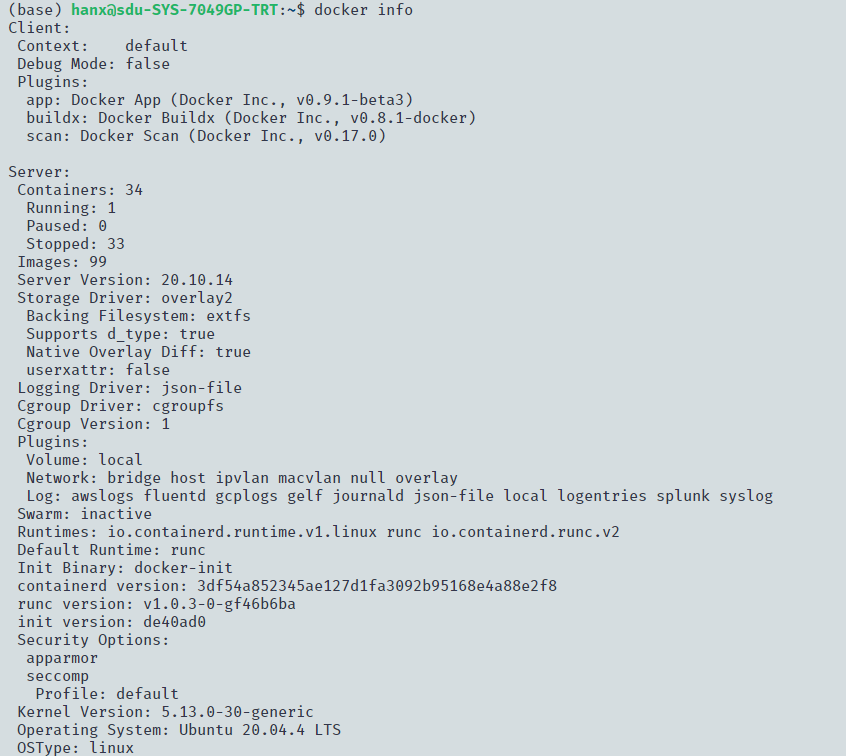 。
。
这里已经安装好Docker,可以先从docker hub拉镜像,然后启动容器,这里因为已经以前安装并使用过,就直接那一个容器作为结果演示,如图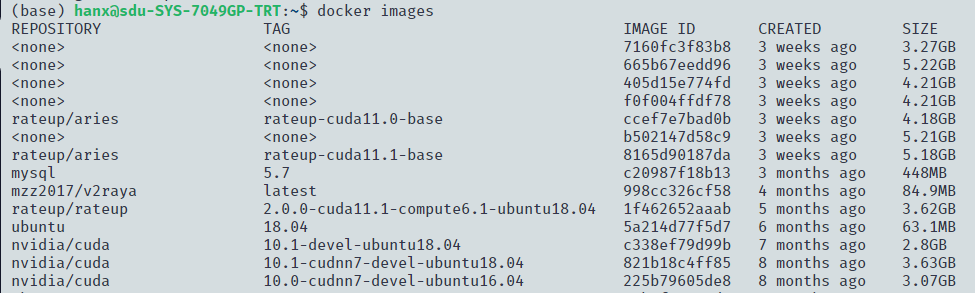 。
。
可以看到有很多镜像,如图 。
。
可以看到每个容器以及对应的镜像,如图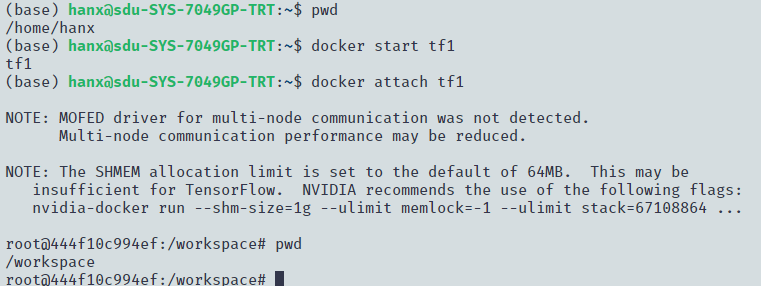 。
。
启动并连接镜像,如图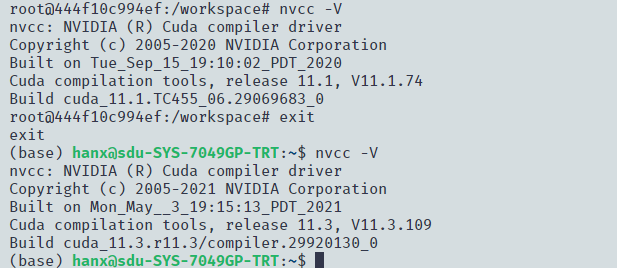 。
。
可以看到docker内外CUDA版本不一样,如图,Docker作为虚拟容器,起到了隔离环境的效果,并且docker的隔离比conda更为彻底,又不需要重新安装虚拟机那么麻烦。
本博客所有文章除特别声明外,均采用 CC BY-SA 4.0 协议 ,转载请注明出处!